What is Folinly?
Folinly (formerly PDFotion) is a tool that combines PDF reading with Notion notes. Take notes, highlight, and annotate while reading PDFs, with everything syncing to your Notion workspace.
What are the main features of Folinly?
- PDF reading and Notion note synchronization
- Smart highlighting and annotation features
- Cross-device synchronization support
- Team collaboration features
- Reading progress tracking
- Infinite canvas with handwritten notes around PDFs and automatic Notion sync
Who is Folinly suitable for?
Folinly is especially suitable for students, researchers, knowledge workers, and teams who need to take extensive notes and organize work while reading PDF documents.
How much does Folinly cost?
Folinly uses a one-time payment model, priced at $30, with no subscription required. Buy once and use all features permanently.
How to start using Folinly?
- Connect your Notion account
- Upload or import PDF files
- Start reading and taking notes in Notion
- Enjoy seamless reading and note-taking experience
What's the difference between Folinly and other PDF readers?
Unlike traditional PDF readers, Folinly focuses on deep integration with Notion, providing smart note synchronization, team collaboration, and cross-device access features.
What devices does Folinly support?
Folinly is a web-based application that supports all modern browsers, including desktop and mobile devices, ensuring you can use it anytime, anywhere.
How is Folinly's data security ensured?
Local-first: original PDFs stay on your device or in your own Notion attachments. Folinly does not upload your literature to a third-party private cloud. Your annotations sync only to your Notion workspace, and offline reading still works.
Read PDFs. Write in the margins.
Connect your Notion literature database. Keep the original PDF typography on the left; expand live bi-directional Notion margin notes or a 2D infinite canvas on the right — every highlight linked by a clear lead line.

Anonymous demo identity lasts 30 days. Shared notes stay in the demo Notion.
Just $30, once.
Your notes belong to you — not a renting cloud. One purchase unlocks dual-pane reading, infinite canvas, and Notion database sync, with no subscription anxiety.

Margins, paper, and the room around reading.
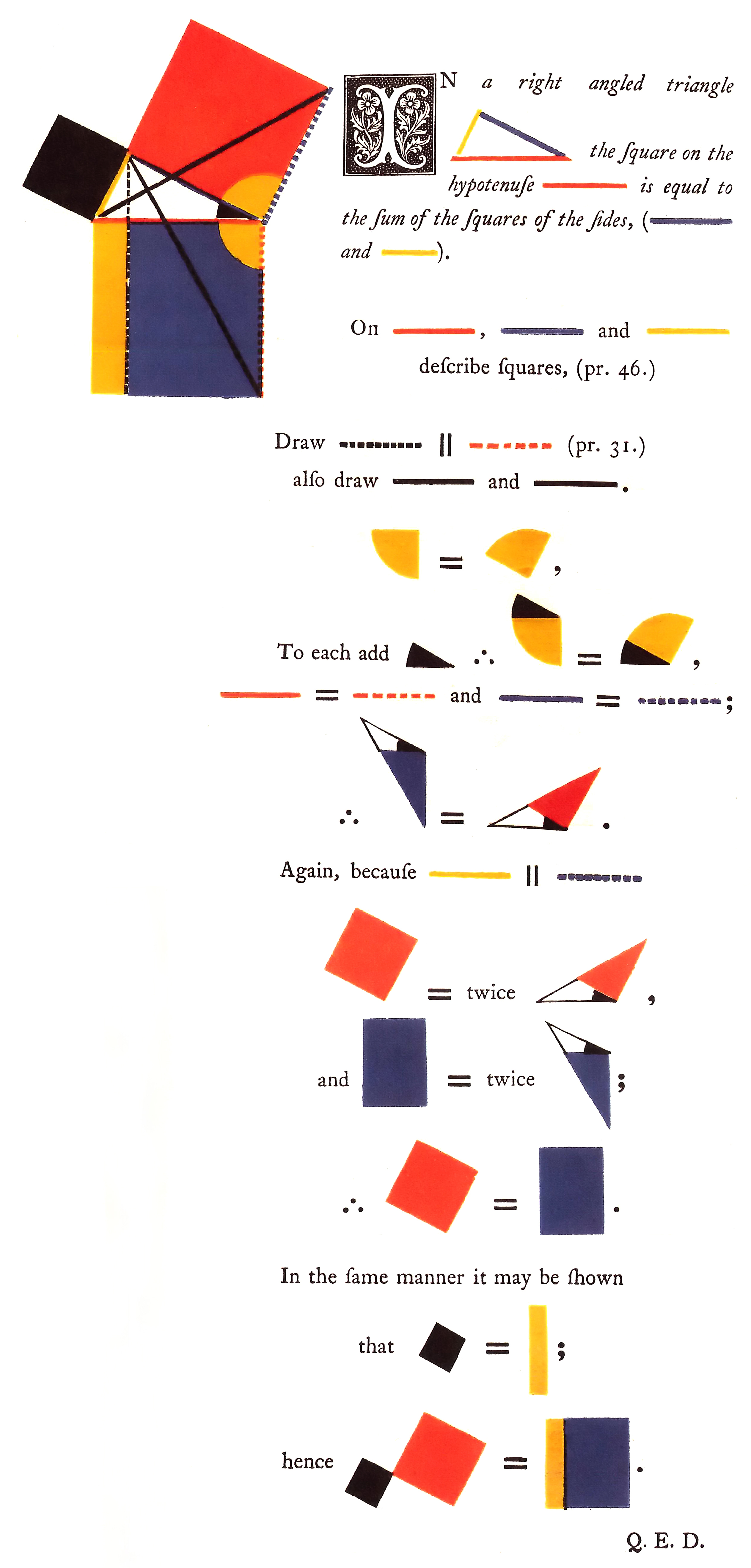
Color locks the figure to the proof — like a note to its source.
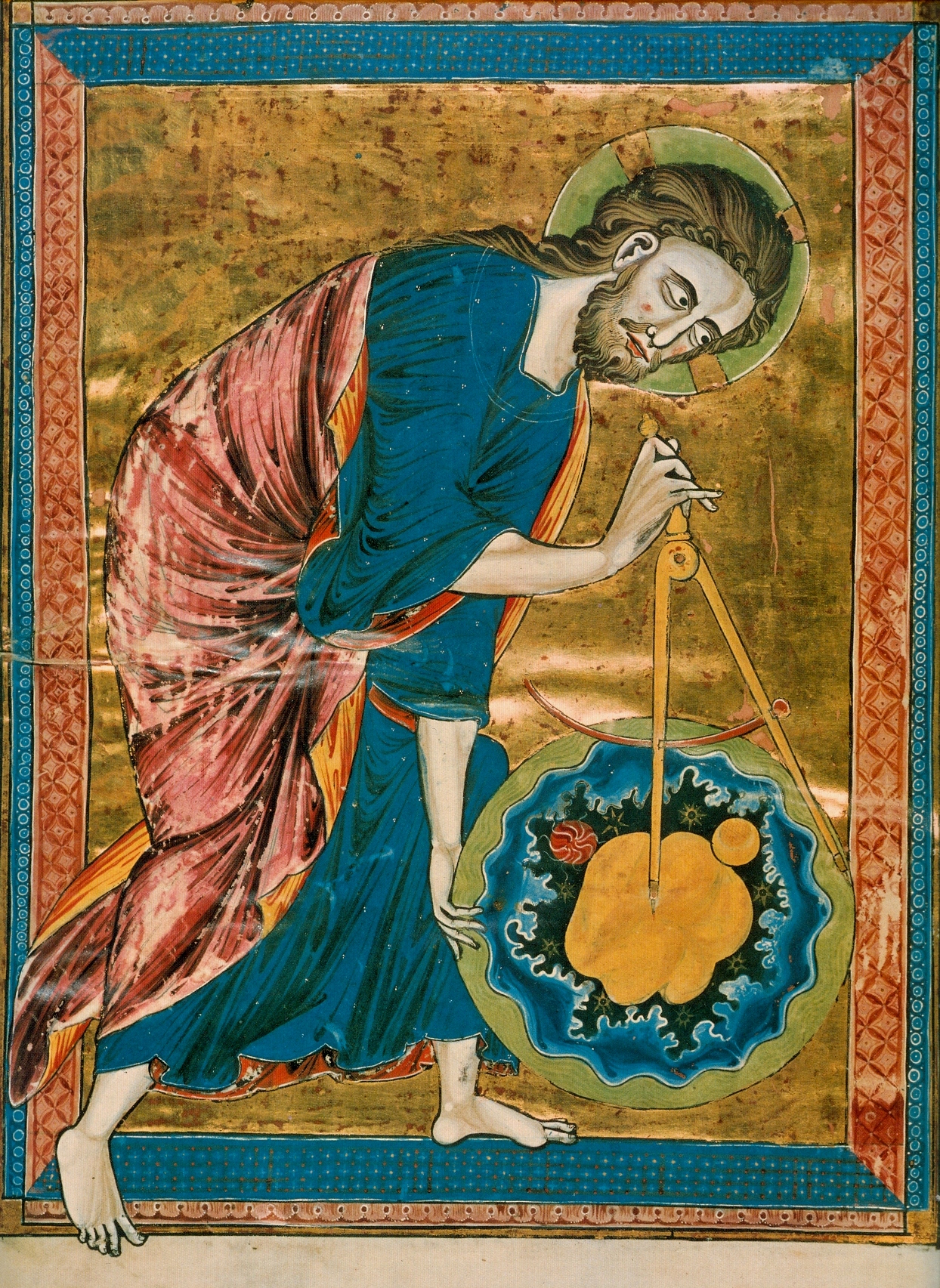
A compass draws the world — reading needs the same patient measure.
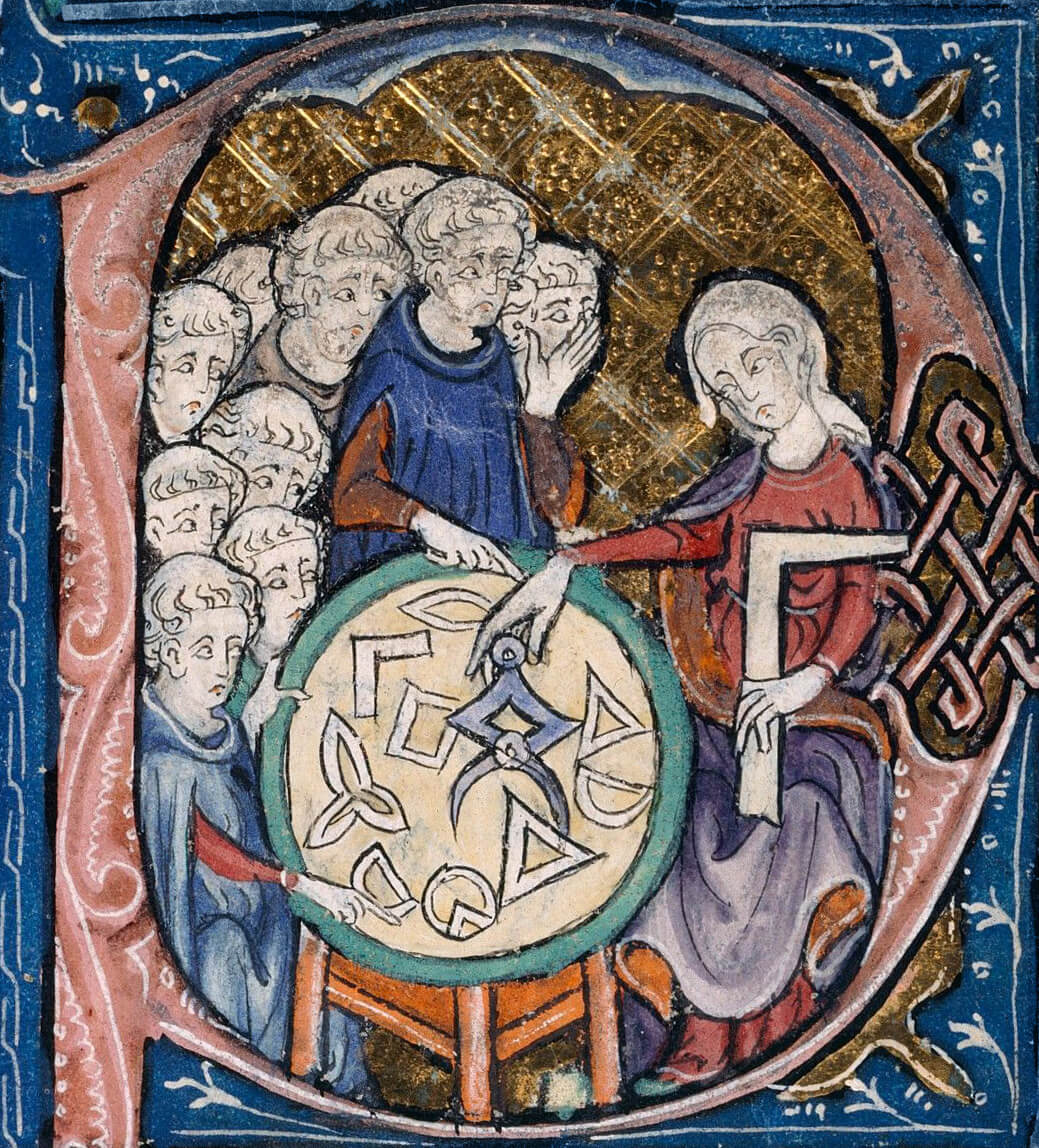
Knowledge passed hand to hand — notes that still belong to the page.
Answers

How does Folinly work with my Notion?
After you connect Notion, Folinly reads the literature database you choose. Every margin block and clipped figure syncs back as native Notion blocks on that document's page, with precise PDF page and coordinate anchors.
Where are my PDFs stored? Is privacy safe?
Local-first: original PDFs stay on your device or in your own Notion attachments. Folinly does not upload your literature to a third-party private cloud, and offline reading and annotation still work.
What's the difference between margin notes and infinite canvas?
Margin notes suit linear close reading — PDF on the left, structured Notion paragraphs on the right. Infinite canvas keeps the PDF on the left and opens a boundless dotted board on the right for free arrangement of excerpts and cards.
What does the $30 lifetime purchase include?
Desktop and Web core features: unlimited PDF bookshelf, dual-pane margin reading, infinite canvas, Notion multi-database sync, and all 1.x / 2.x updates. No monthly subscription.
How does the program work?
Users begin by linking their Notion Database to the application. Within this Database, a specific property must be designated to store PDF files (supporting both local uploads and external links). The application reads the PDF from this property to enable core features such as online PDF reading, reading progress tracking, timeline generation, and the creation of highlights and annotations. All data generated from these operations (like highlighted notes, reading logs, etc.) is automatically synchronized and saved back into the corresponding properties within the user's specified Notion Database, ensuring data ownership and centralized management for the user.
Can I write handwritten notes beside a PDF?
Choose Infinite canvas above the demo to write around the PDF with a stylus or mouse. No Markdown needed. Your own documents and notes are saved in your own Notion. Try without signing in. Everyone can view and edit the shared notes, saved individually in the demo Notion. A 30-day anonymous identity records only the creator and most recent editor.
Is Folinly the same as PDFotion?
Yes. Folinly is the same product formerly known as PDFotion. We rebranded; pdfotion.com permanently redirects to folinly.com.